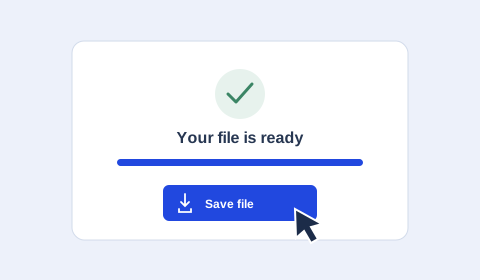
Download TikTok video from a public link and save it as MP4. Choose the video quality available from the source, or switch to TikTok to MP3 for audio.
01
TikTok Downloader
•••
02
01
02
03
TikTok Downloader · Guide
Save TikTok videos from a link
01
TikTok video download in MP4 and HD
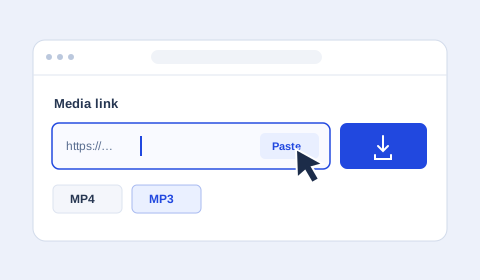
Paste a link to a single video, choose MP4 and select your preferred quality. HD is available when the source provides it. Choosing 1080p sets a maximum resolution, and the original video determines the available detail.
02
Can I download TikTok videos without a watermark?
Whether a TikTok download has a watermark depends on the media file supplied by the source. Relay saves the available video and does not edit out logos or text already embedded in it.
03
Copy a TikTok link and share the saved file
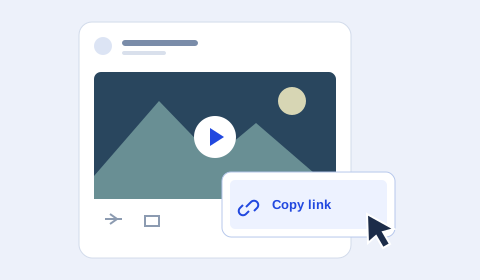
Use Share → Copy link in TikTok or TikTok Lite. Short links such as vt.tiktok.com and vm.tiktok.com are accepted. After saving the file, you can select it in WhatsApp if it meets that app’s current file requirements.
04
Can I download TikTok photos or stories?
This tool currently handles a single video or its audio. Photo albums and TikTok stories have not been implemented or verified here.
05
Do I need to download a TikTok APK?
Use this tool in your browser on a phone or computer. To download a video, paste its public link into the form above.
TD
TIKTOKDOWNLOADERHD · TIKTOK
TikTok downloader features
Clear options for video and audio, using public links and media available from the source.
01
TikTok downloader without watermark
Looking for a TikTok downloader without watermark? Watermarks depend on the public file TikTok provides. Relay saves the available version and does not remove embedded logos or text.
02
Original TikTok video quality
Choose the best available quality or set a maximum such as 1080p, 720p or 480p. The source determines the original detail.
03
Download TikTok audio as MP3
Extract the audio track from a public video and save it as MP3 using the format menu.
04
Works in your browser
Use the tool in a modern browser on a phone, tablet or computer without installing an app.
05
Public links only
Relay does not ask you to sign in. Private, deleted or source-restricted videos cannot be processed.